
Verbyn.
Dictation and transcription on your Mac.
Tap a key to start dictating in the app you’re using, then tap again to stop. You can also drop in an audio or video file to get a transcript. Speech is processed on your Mac, and your audio never leaves it.
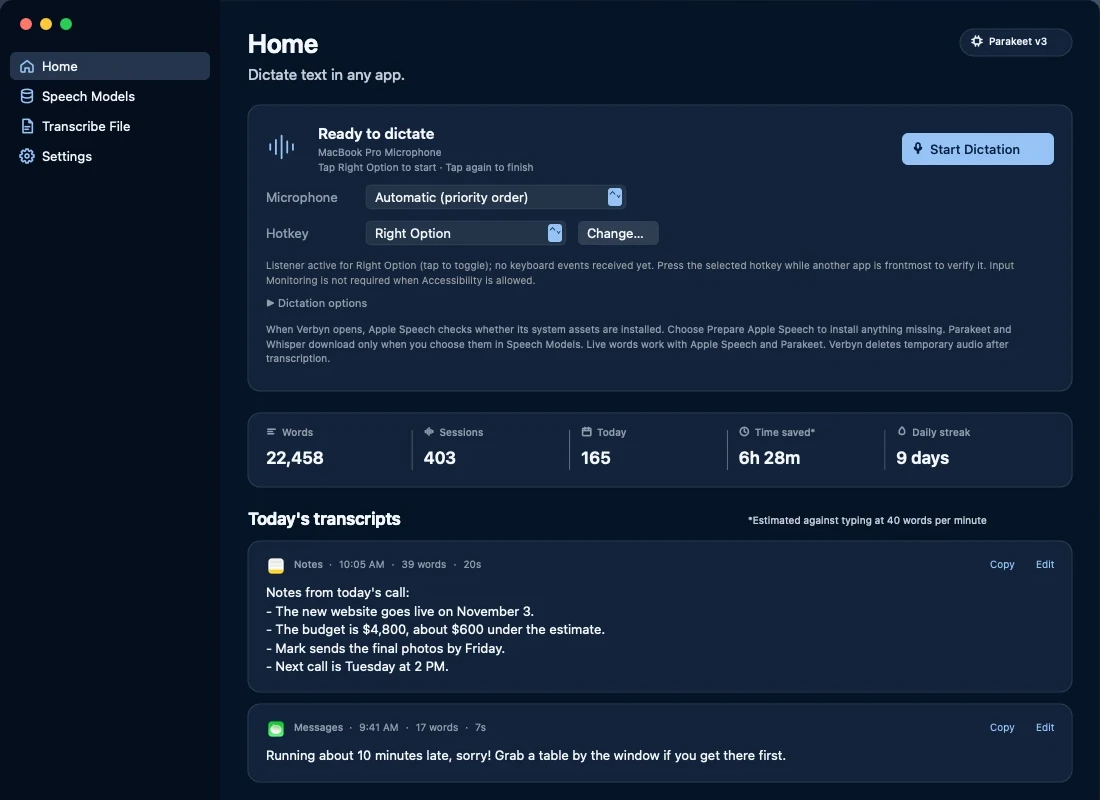
Your dictation, at a glance.
Home shows your words, sessions, and time saved. It also lists today’s transcripts and the app each one went into. You can copy or edit any transcript.
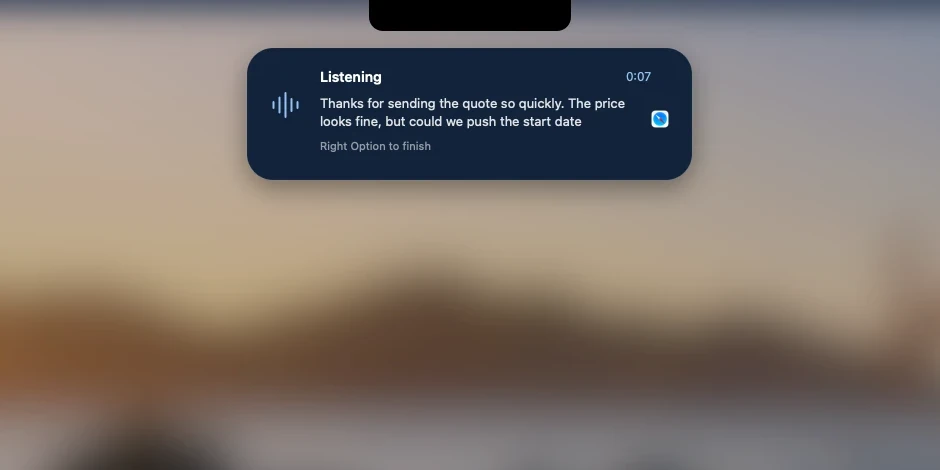
Dictate in the app you’re using.
Tap a key to start dictating, then tap it again to stop. If you prefer, you can set Verbyn to dictate only while you hold the key.
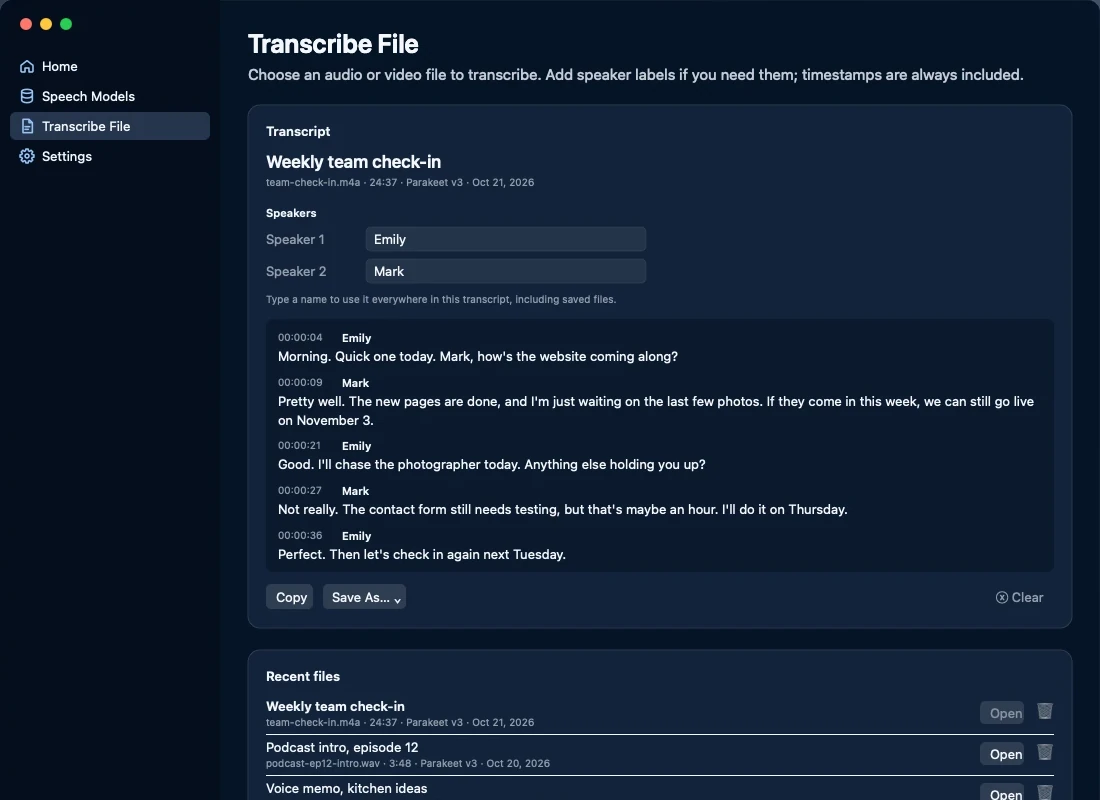
Transcribe audio and video.
Drop in an audio or video recording to get a transcript with timestamps. If you need speaker labels, add them and enter each person’s name once.
Choose a speech model.
Choose Apple Speech, Parakeet v3, or Whisper large-v3-turbo. Verbyn downloads Parakeet or Whisper only if you choose to use one of them.
Pick a style.
Choose an option in Appearance, and it applies to Verbyn, the floating window, and the app icon.
Automatic updates.
The app updates automatically.
Private by design
You don’t need an account or subscription, and none of your speech passes through our servers. Your Mac processes speech locally, then Verbyn deletes the temporary audio after transcription. Verbyn connects to the internet only to check for updates, verify your license after purchase, or download speech models you choose. It never sends your speech or transcripts. Read Privacy.
Trial, license, and requirements
- Free trial: Try every feature for 14 days, free. You don’t need an account or payment details.
- License: Buy once. Your license covers up to two Macs. See Terms and Refunds.
- Requirements: A Mac with Apple silicon (M1 or later, or MacBook Neo) and macOS 26 or later.
Need help? Visit Support or email hello@echoappstudio.com.